Korvia replaces disconnected tools with a single platform built for the way GCC operators actually work — from the front counter to the back office.
Built for Kuwait and the GCC • Arabic + English • Multi-branch ready
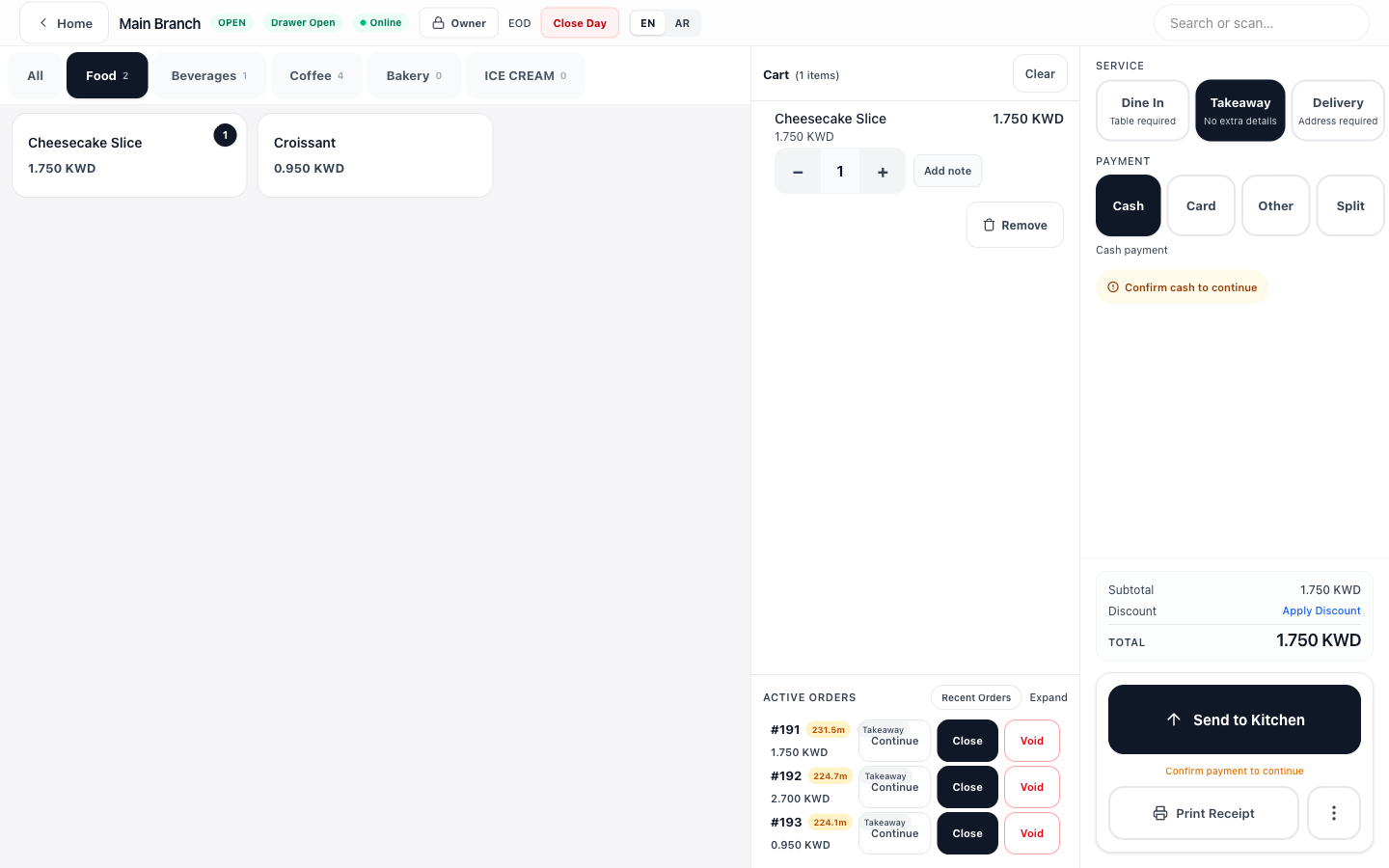
Which one are you?
Not a demo mockup — this is the system restaurants use every day.
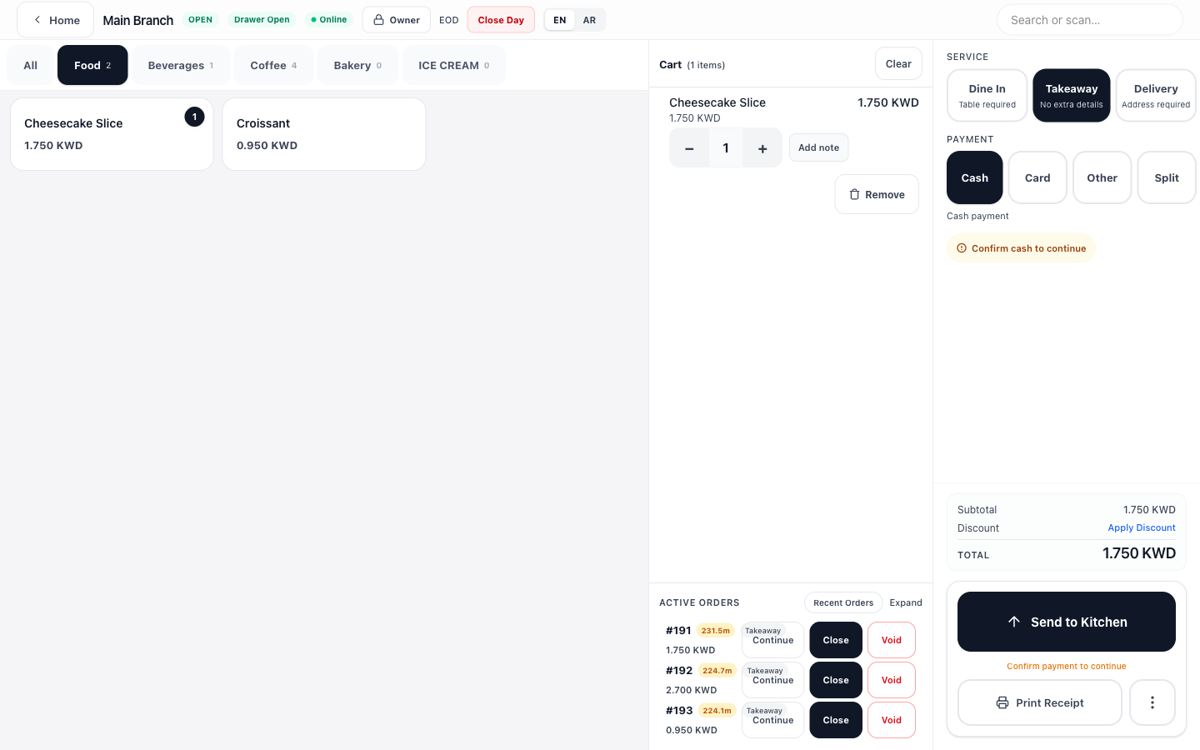
Product grid, cart, active orders, service types, and payment — all on one screen.
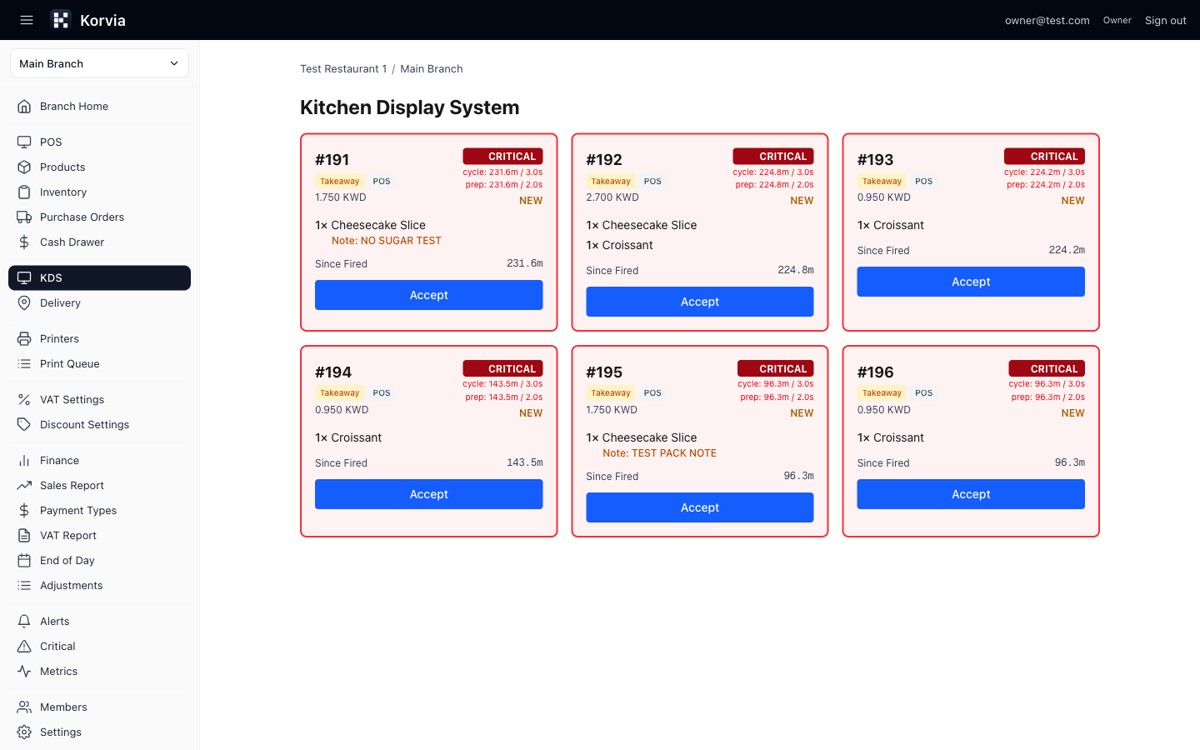
Order cards with items, notes, SLA badges, and accept/ready buttons.
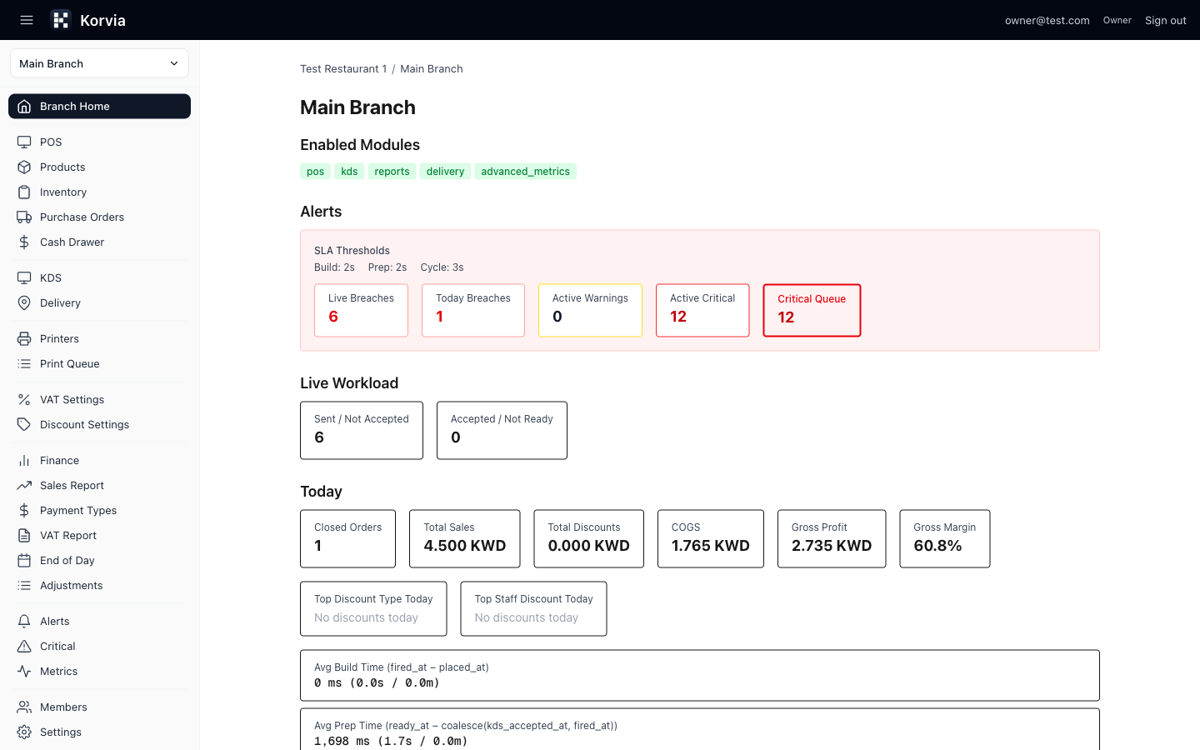
Today's sales, COGS, gross margin, alerts, and branch workload at a glance.
Common problems Korvia solves out of the box.
Kitchen tickets get lost or delayed
✓Live KDS with SLA timers and breach alerts
Cash drawer doesn't match at end of shift
✓Session tracking with expected vs counted variance
No visibility into what's selling
✓Real-time sales, COGS, and margin dashboards
Managing 3 branches from 3 systems
✓One dashboard for all locations, menus, and staff
Staff accessing data they shouldn't see
✓Per-screen permissions with role-based access
Inventory is always a guess
✓Tracked movements for every sale, waste, and adjustment
Not a US product with a language pack. Korvia is built from the ground up for GCC operations — front of house, kitchen, and shop floor.
Built for Kuwaiti Dinar and GCC currencies — not retrofitted from USD.
POS, receipts, kitchen tickets, and staff names all support bilingual display.
Manage branches across Kuwait, Bahrain, Saudi, and the UAE from one account.
Use any tablet, laptop, or desktop. No proprietary terminals required.
Dine-in tables, takeaway, and delivery — or barcode scanning, stock, and shop-floor tender. Run either, or both.
From front-of-house to back-of-house — one platform, no gaps.
Tap-to-order interface with split bills, discounts, dine-in/takeaway/delivery, and staff PIN unlock. Works on any device.
Real-time order cards with SLA timers, accept/ready flow, and breach alerts. Kitchen stays in sync with the front.
Track stock in real time, receive deliveries, record waste, adjust counts, and manage purchase orders with WAC costing.
Daily sales, profit margins, payment breakdowns, VAT reports (PDF/Excel/CSV), and end-of-day closures.
Manage multiple locations from one dashboard. Centralize menus, staff, products, and reporting across branches.
Cash drawer sessions with variance tracking, staff permissions, printer management, and daily closure workflows.
| Feature | Korvia | Typical POS |
|---|---|---|
| Arabic + English bilingual | ✓ | — |
| KWD currency (3 decimals) | ✓ | — |
| Multi-branch from day one | ✓ | — |
| No hardware lock-in | ✓ | — |
| Kitchen display built-in | ✓ | — |
| Per-staff screen permissions | ✓ | — |
| Inventory + purchase orders | ✓ | — |
| Full-feature trial — every module enabled | ✓ | — |
Built for real restaurant and shop operations
Currently onboarding restaurants and shops in Kuwait and the GCC. Designed alongside the operators who run them — not in a lab.
Pricing is per branch, per month — it scales with the number of locations you run.
The next step is a conversation, not a credit card.
No setup complexity. No hardware lock-in. Built for real operations.